









Biometric Attendance Machine Not Working? Checks to Make Before You Call Support
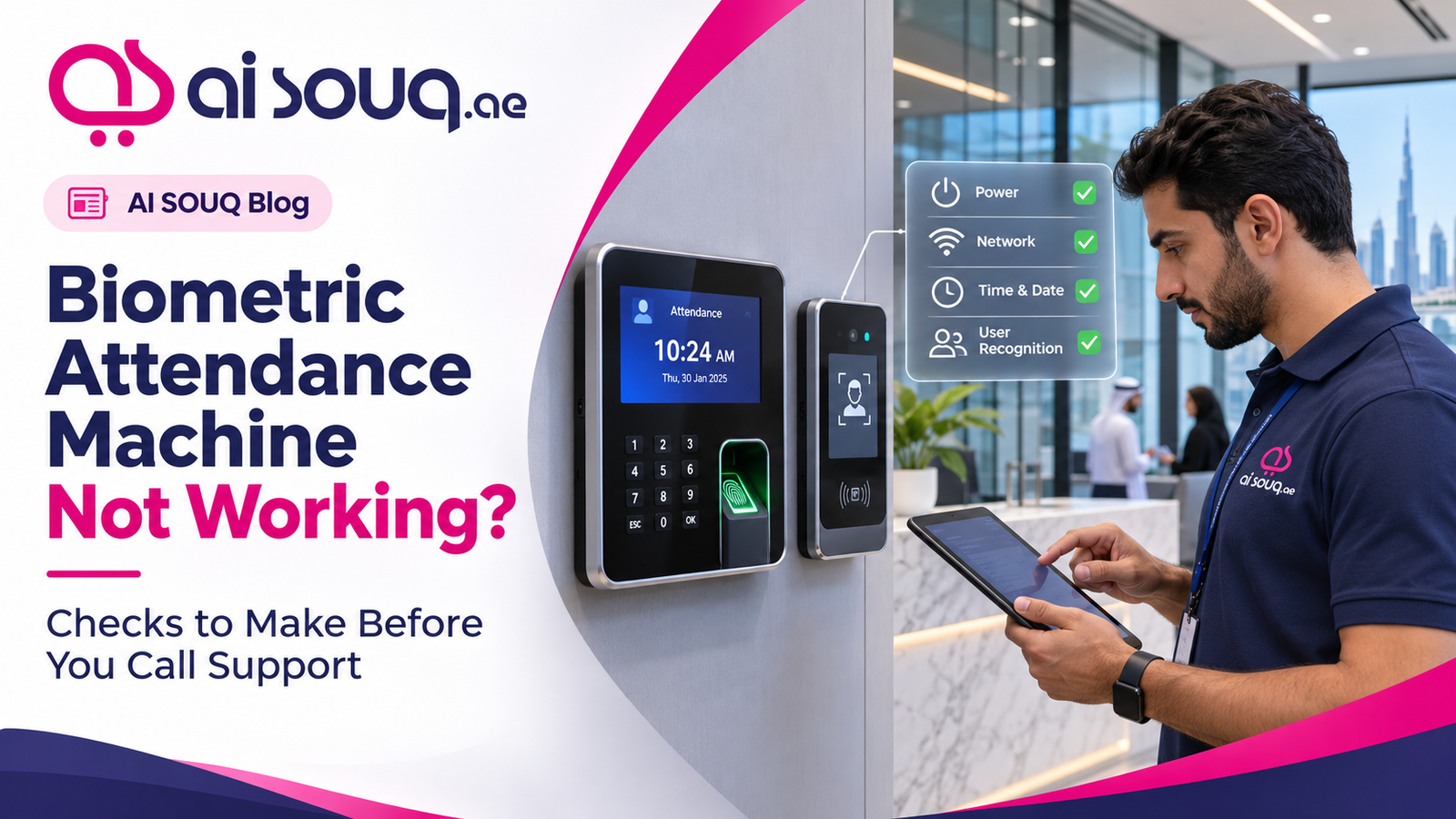
A biometric attendance machine often attracts attention only when employees cannot clock in. The device may still light up, yet records fail to reach payroll. Or it may reject several fingerprints just before the morning shift begins. These are different faults, and identifying the symptom can save time.
Before requesting biometric attendance support in Dubai, do a few safe checks that don't change stored records or security settings. If the terminal also controls a door, treat access safety as the priority.
Start with what has actually failed
Ask whether the screen is blank, the device cannot identify users, or attendance reports are missing. These symptoms point toward different parts of the system.
A terminal that accepts a fingerprint but shows no record in HR software may have a communication or synchronization problem rather than a sensor fault. Conversely, an offline, unresponsive system may need a power or hardware inspection.
Write down the exact error message and the time it occurred. One clear photograph of the screen can be more useful to a technician than a general report that “the machine is down”.
Power and basic connections
Check whether the device has power and whether nearby network equipment is operating. Look for an obviously loose external adapter or disconnected cable, but do not open the unit or handle exposed wiring. If the power supply feels damaged, smells burnt or shows signs of overheating, stop using it and arrange a qualified inspection.
After a building power interruption, the terminal may restart while its connected network switch remains offline. Confirm both devices are running before changing any settings.
Recognition problems are not always hardware failure
Fingerprint scanners need a clean, usable sensor surface. Dirt, moisture or worn sensor coatings can affect recognition. Follow the manufacturer's cleaning instructions; harsh chemicals and abrasive cloths can cause further damage.
If one employee is affected, check whether their enrollment has been completed properly. If an entire team experiences rejections simultaneously, investigate device condition or configuration rather than re-enrolling everybody.
For face-recognition terminals, lighting, camera obstruction and user positioning can matter. Do not weaken security thresholds simply to increase acceptance rates without understanding the consequences.
When attendance is recorded but does not appear
A device may keep transactions locally while communication to the attendance software is interrupted. Network changes, incorrect server settings or an expired software connection can prevent synchronization.
Ask your administrator whether the machine appears online in the management platform and whether other terminals are updating normally. Avoid resetting the device, deleting users or clearing logs before a backup is confirmed. Those actions can make payroll reconciliation much harder.
Quick checks by symptom
Symptom | Safe first check |
Blank display | Power at the outlet and visible adapter condition |
Users rejected | Sensor cleanliness and whether issue affects one or many staff |
Records missing | Device clock, network status and software synchronization |
Wrong attendance times | Displayed date, time and configured time zone |
Door not releasing | Contact building security or qualified access-control technician |
These checks are meant to identify likely causes, not replace electrical work or access-control servicing.
Check the clock before changing attendance records
An incorrect date or time can produce confusing payroll reports even when employees authenticate successfully. Compare the device clock with the office's approved time source and ask whether it synchronizes automatically.
For time attendance systems in the UAE, date formats, shift cutoffs and overnight schedules should also be reviewed in the software. A missing record may reflect a reporting rule rather than a failed scan.
Protect employee data during troubleshooting
Biometric templates and attendance logs are sensitive employee information. Do not export user databases to personal devices or share administrator passwords through informal channels. Use approved backups and grant technicians only the access needed for the repair.
If the terminal is connected to an electric lock, avoid improvising with wiring or bypassing security hardware. Building entry and emergency egress must remain safe while the device is investigated.
Know when to call a technician
Persistent power faults, repeated device restarts, suspected sensor damage, inaccessible administrator settings or failed synchronization after basic checks justify professional support. Have the model number, number of connected devices, software name and recent changes ready.
AI SOUQ lists a time-attendance technician visit ( for basic troubleshooting and minor rectification. It also offers a visit-based attendance maintenance service, with materials and major repairs excluded under its published terms.
Restore service without losing the record
When a fingerprint attendance machine in Dubai stops behaving normally, the goal is twofold: restore reliable clock-ins and preserve an accurate attendance history. A short symptom log, safe equipment check and protected backup put the technician in a much better position to solve the right problem.
If the issue continues, contact AI SOUQ through its Access Control Systems service page and describe exactly what staff are experiencing. That is more useful than replacing the device before the cause is understood.
Recent Posts
Warehouse CCTV Installation in UAE: Choosing Cameras That Fit the Site
Gate Automation in Dubai: What Affects the Cost, and What Should a Quote Include?
Remote Helpdesk, Managed IT or Virtual IT Department: Which IT Support Plan Does Your Office Need?
Virtual IT Department vs Hiring an In-House IT Person: What Makes Sense for a UAE Business?
CCTV Installation in the UAE: Choose the Right Security System