









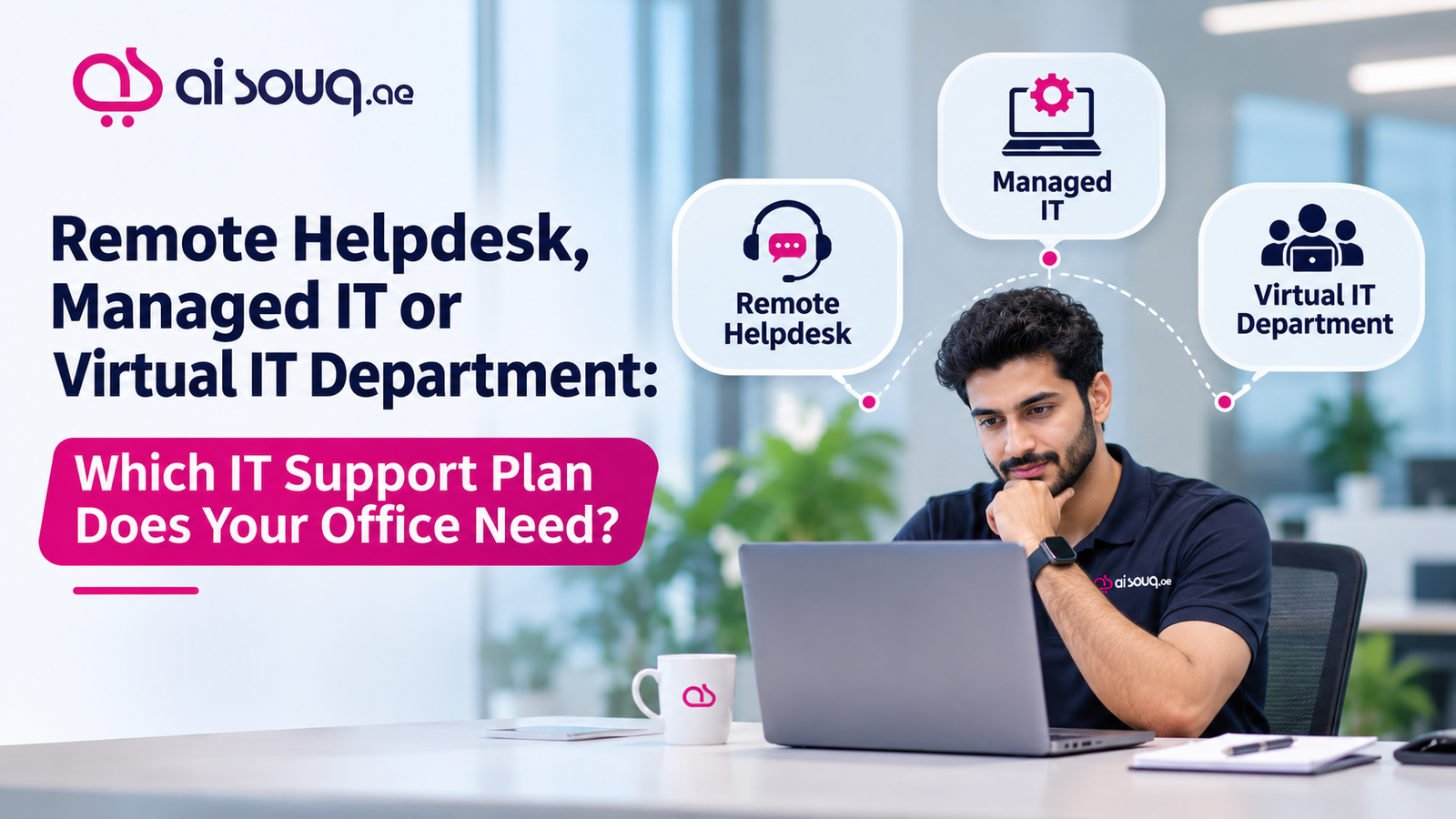
Remote Helpdesk, Managed IT or Virtual IT Department: Which IT Support Plan Does Your Office Need?
Remote helpdesk: help when an employee gets stuck
Remote helpdesk support focuses on day-to-day requests. An employee might need assistance with a printer, an application error, email access or a Wi-Fi issue. Where remote access is safe and possible, a technician can diagnose the problem without travelling to the office.
This works well for small teams using straightforward cloud applications, particularly when they have few physical devices to maintain. It is less suitable as the only arrangement for a workplace that regularly experiences cabling failures, equipment damage or complex server issues.
AI SOUQ's Remote IT Helpdesk package is listed for up to 10 employees and specifies a monthly remote-hours allowance alongside limited scheduled and emergency onsite visits. The point is to read the allowances rather than assume every issue is covered without limits.
Managed IT: keeping everyday infrastructure healthy
Managed IT introduces more deliberate upkeep. In addition to troubleshooting requests, the scope can cover routine checks, updates, network performance and a defined schedule for onsite attention. The provider is expected to work on recurring issues instead of treating every fault as a new surprise.
For instance, an office experiencing repeated Wi-Fi dropouts may need wireless-network assessment, configuration review and follow-up monitoring rather than another password reset. Managed support is most valuable when it addresses the underlying pattern.
The published Managed IT Care plan from AI SOUQ is positioned for businesses with up to 30 employees. It lists remote support, one scheduled onsite visit per month and an annual emergency-visit allowance, subject to package terms.
A virtual department: broader ownership across systems
A virtual IT department goes further when the provider is expected to coordinate several technology areas. PCs and Wi-Fi remain important, but so might CCTV, access control, time-attendance devices, conferencing equipment and overall technical planning.
The difference should be accountability rather than branding. Who maintains the asset list? Who coordinates a network replacement? Who decides which problem needs an onsite specialist? A meaningful virtual department needs an agreed answer to each question.
Compare the work, not the labels
This is a guide, not a rule. An office with eight employees but a complex production system may need more intensive support than a 40-person firm that uses only cloud-based tools.
Questions that reveal the real value of a plan
Ask for an exact definition of a support hour. Does it start when a ticket is logged, or when the engineer begins work? Clarify whether unused hours expire and whether remote diagnosis is charged even if an onsite visit follows.
Then examine four practical details: response windows for urgent faults; travel coverage to your location; equipment and software exclusions; and the procedure for approving billable work. A plan should also specify access to service records and whether backups are actually monitored or merely available as an optional service.
Do not overlook responsibility for administrator passwords and data access. The company should retain ownership of its accounts and know who can change critical settings. Technical support is easier to manage when permissions and approvals are documented from the start.
What changes as an office grows?
A startup may begin with remote support because its immediate concern is getting people back to work. As it adds employees and equipment, recurring maintenance becomes harder to ignore. Later, expansion into new premises or multiple branches may justify an arrangement with broader coordination.
The transition does not need to be abrupt. Review ticket volumes and downtime quarterly, then adjust the scope only when business needs warrant it. This prevents paying for extensive allowances that remain unused.
Choose the plan your people will actually use
The strongest office IT support in Abu Dhabi or Dubai is the one employees can reach easily and managers can hold accountable. Clear reporting, sensible escalation and predictable exclusions are more valuable than a long feature list.
To compare the available levels, review AI SOUQ's Business IT Solutions in UAE and request the current written terms for each plan. A short discussion about your devices, staff locations and common faults is often enough to narrow the options.
Recent Posts
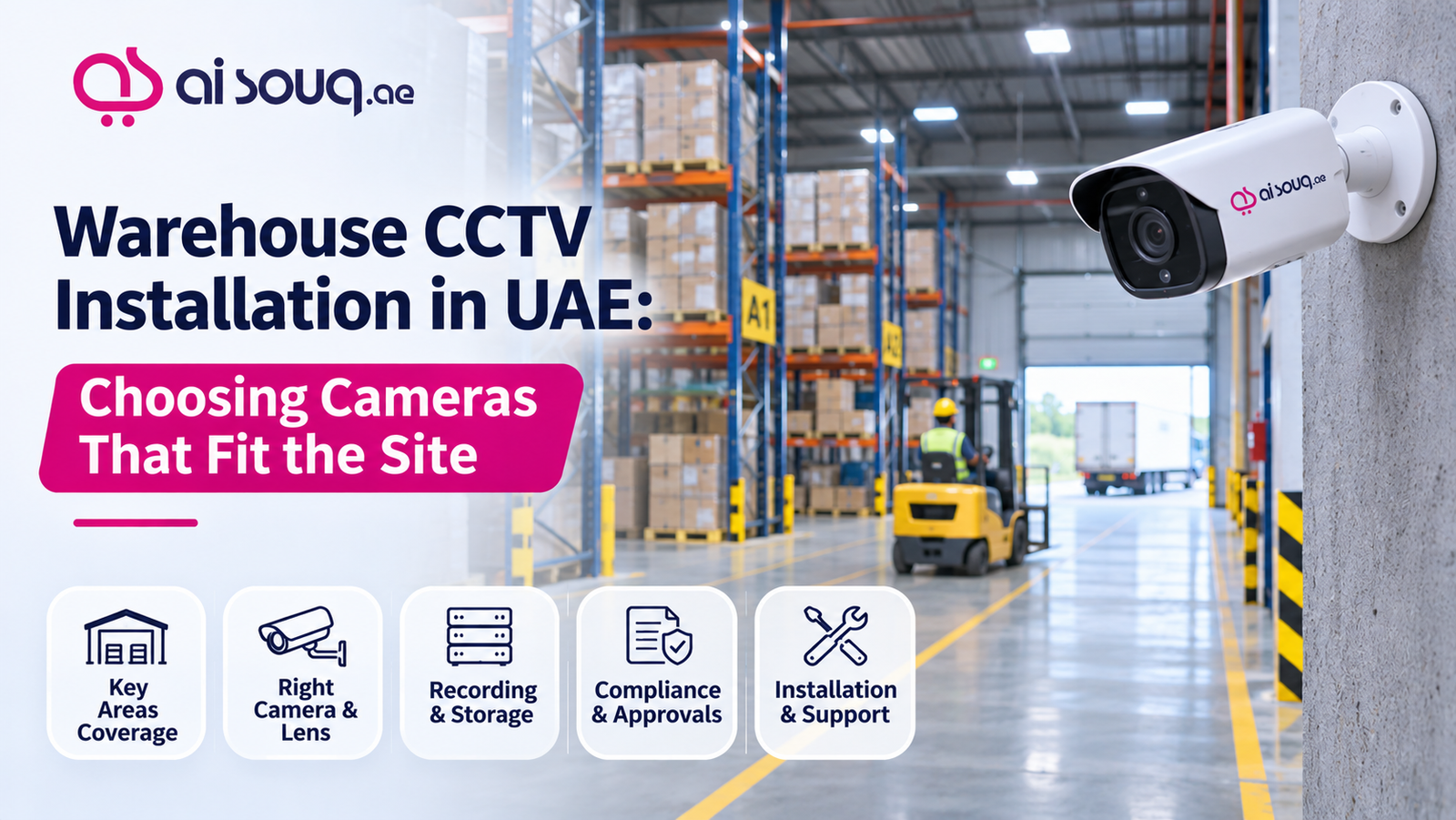
Warehouse CCTV Installation in UAE: Choosing Cameras That Fit the Site


Gate Automation in Dubai: What Affects the Cost, and What Should a Quote Include?
Remote Helpdesk, Managed IT or Virtual IT Department: Which IT Support Plan Does Your Office Need?
Virtual IT Department vs Hiring an In-House IT Person: What Makes Sense for a UAE Business?

CCTV Installation in the UAE: Choose the Right Security System